Left panel — browse tabs
Consolidated from Confluence (Concept Editor - Left panel, Search tab, Taxonomy tab, Favorites tab, Activities tab, Concept walker tab, Classifier tab). Screenshots are the old UI — flag for GIF/clip re-capture.
Concept Editor - Left panel
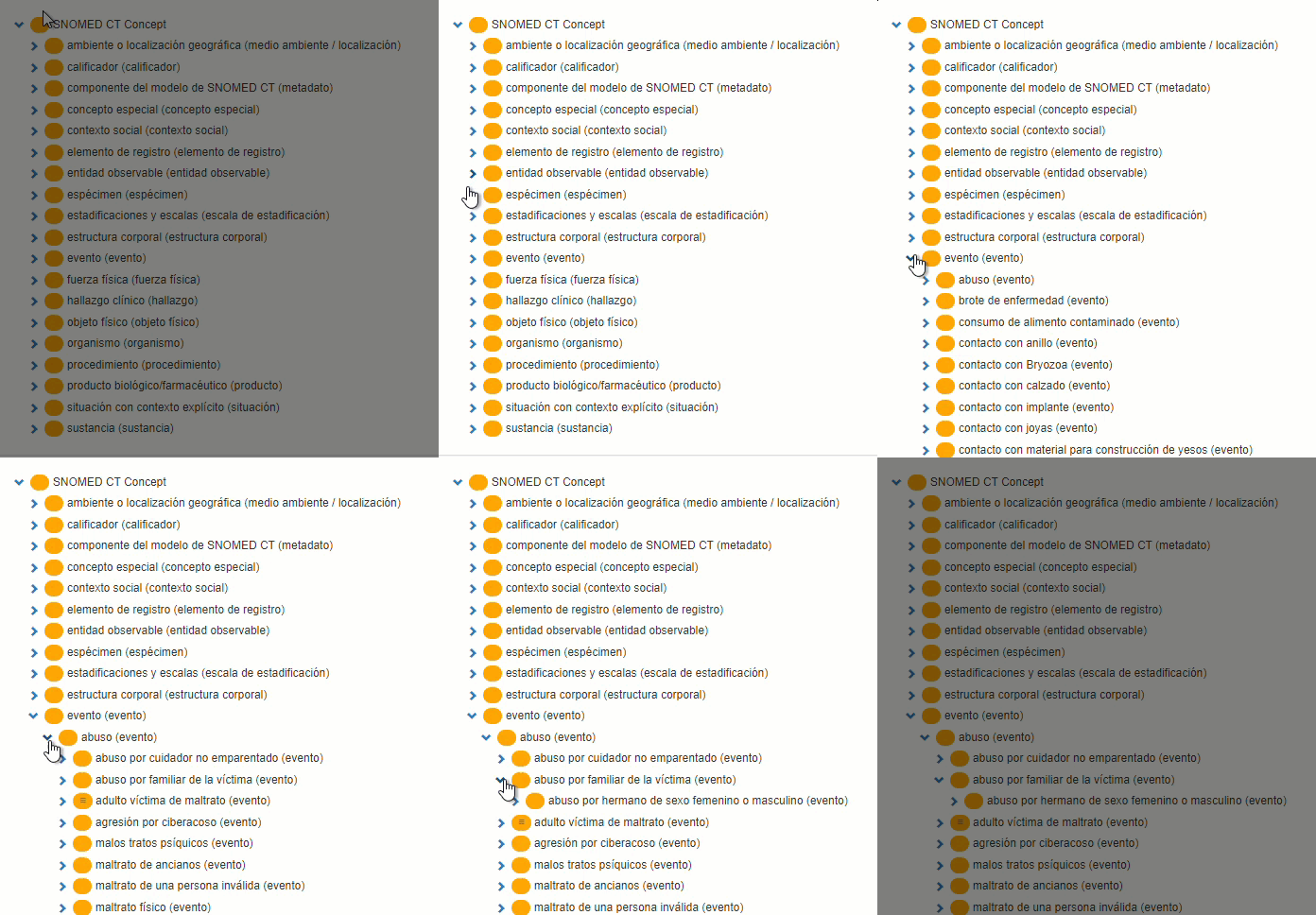
The left panel displays the whole SNOMED CT hierarchy, starting by SNOMED CT Concept, the top level concept. Each hierarchy can be easily unfolded to display the concepts it contains. One way to search for a particular concept is by scrolling up and down the hierarchies manually. Another way to find a concept is explained in the Search Tab.
Search tab
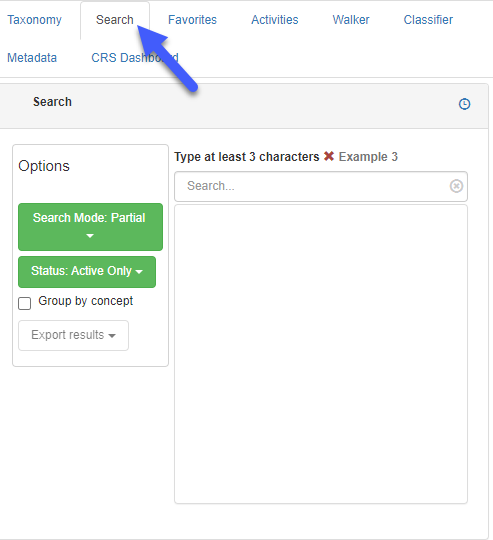
The search tab is useful to quickly find a specific concept.
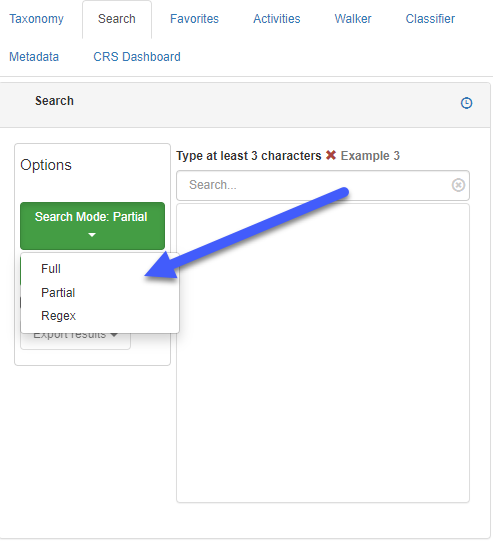
This tab allows searching for terms containing specific words or parts of words. There are three search modes available:
- Search mode by full text match (full): Terms that exactly match the search string are retrieved (e.g. the search string ‘append’ will retrieve all the descriptions that contain the search string only)
- Partial matching search mode (partial): Only terms that match the search string within any term are retrieved (e.g. the search string ‘append’ will retrieve all the descriptions that contain appendicitis, appendix, appendage, etc.)
- Regular expressions search mode (regex): regular terms are used for searching
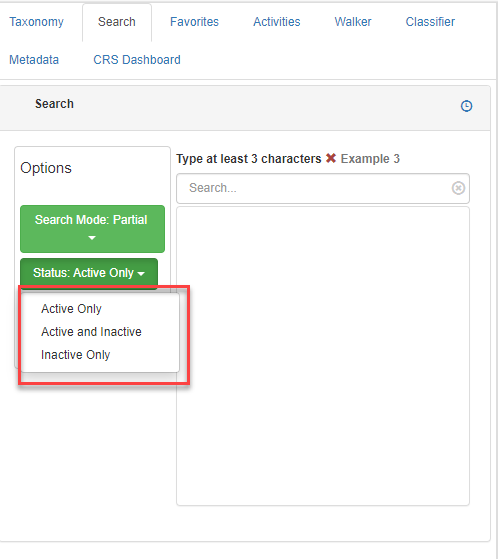
It is possible to filter the search only to retreive active concepts, only inactive concepts or both active and inactive concepts.
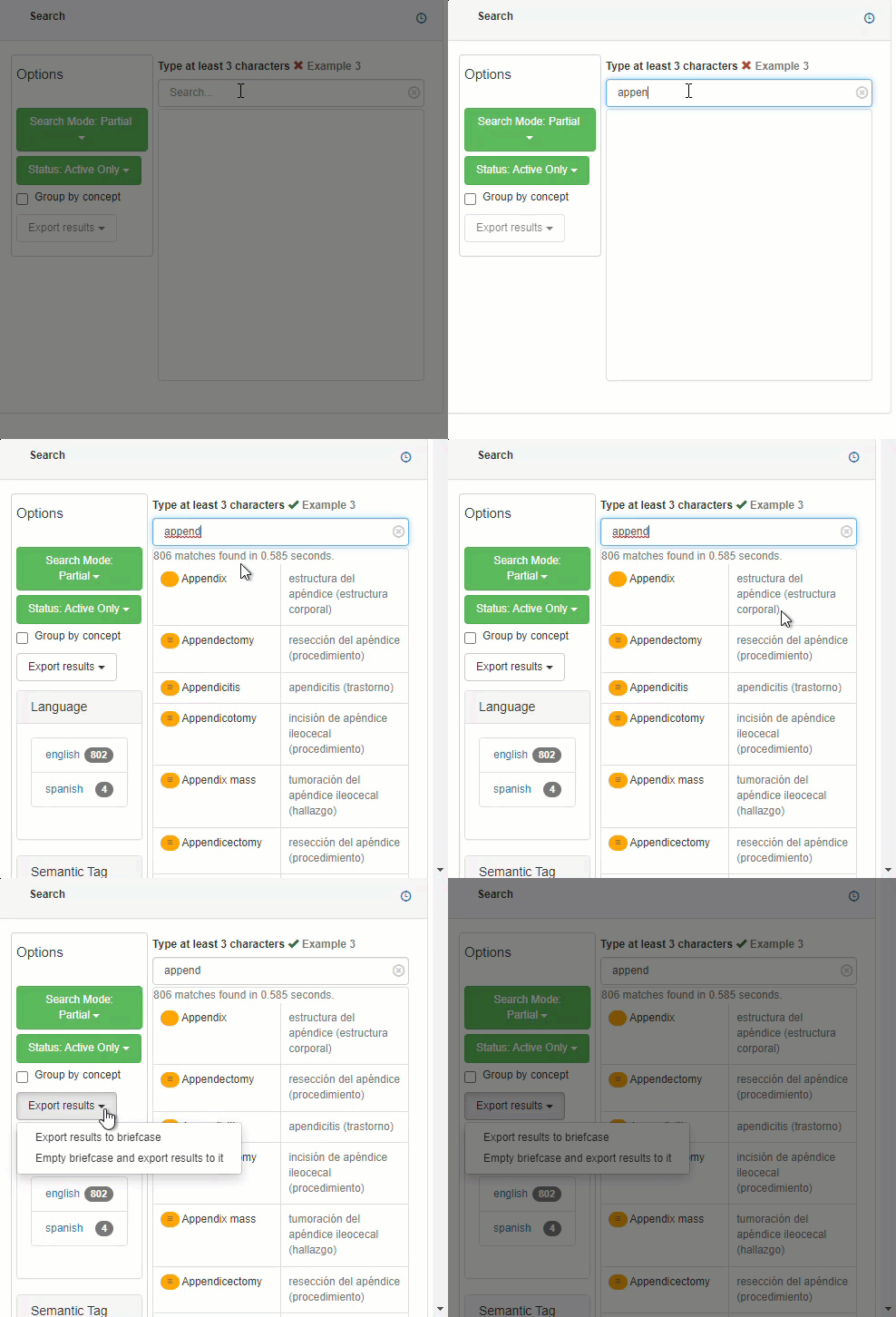
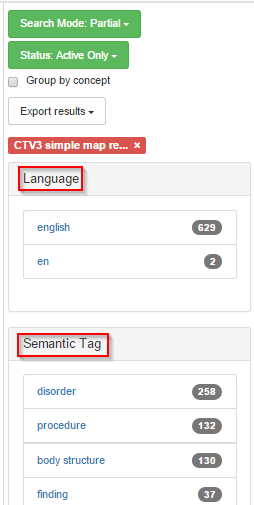
By typing at least three characters and pressing Enter, all the concepts matching that string, and the Search Mode and Status parameters selected, will be displayed. Results may be exported to a briefcase.
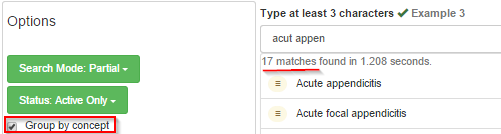
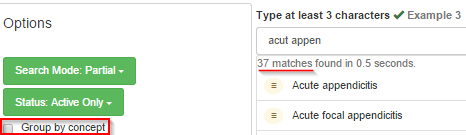
Grouping by concept will show the most exact match with the search string, i.e, only one description for each match; otherwise, all the descriptions for a given match are shown, which may result in extensive lists of matches.
Matches may be grouped by semantic tag, to show only concepts of the same hierarchy, by language to select descriptions in a given language, by module and/or by refset to improve search specificity.
Taxonomy tab
This is the Taxonomy tab:
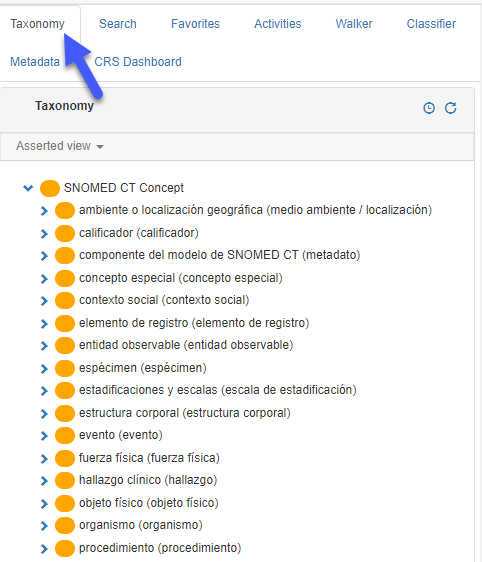
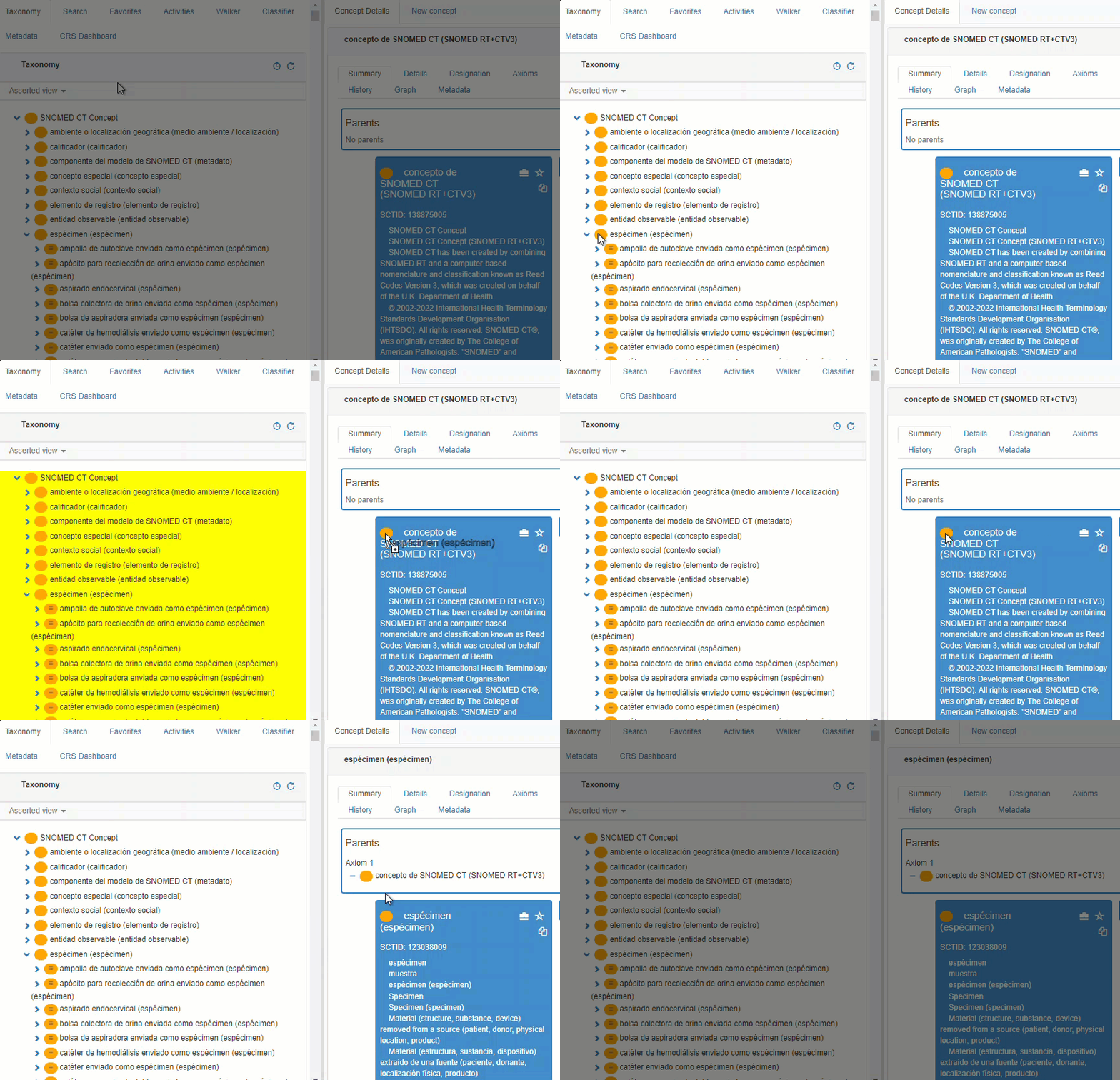
This tab shows SNOMED CT’s taxonomy view. Free browsing through parent-child hierarchies is allowed by clicking when clicking ‘greater than’ icon. Clicking on any concept will select it on the right panel. Also, selecting any orange circle in the taxonomy and dragging it into the right panel (concept area will become orange when dragging a concept into it).
Favorites tab
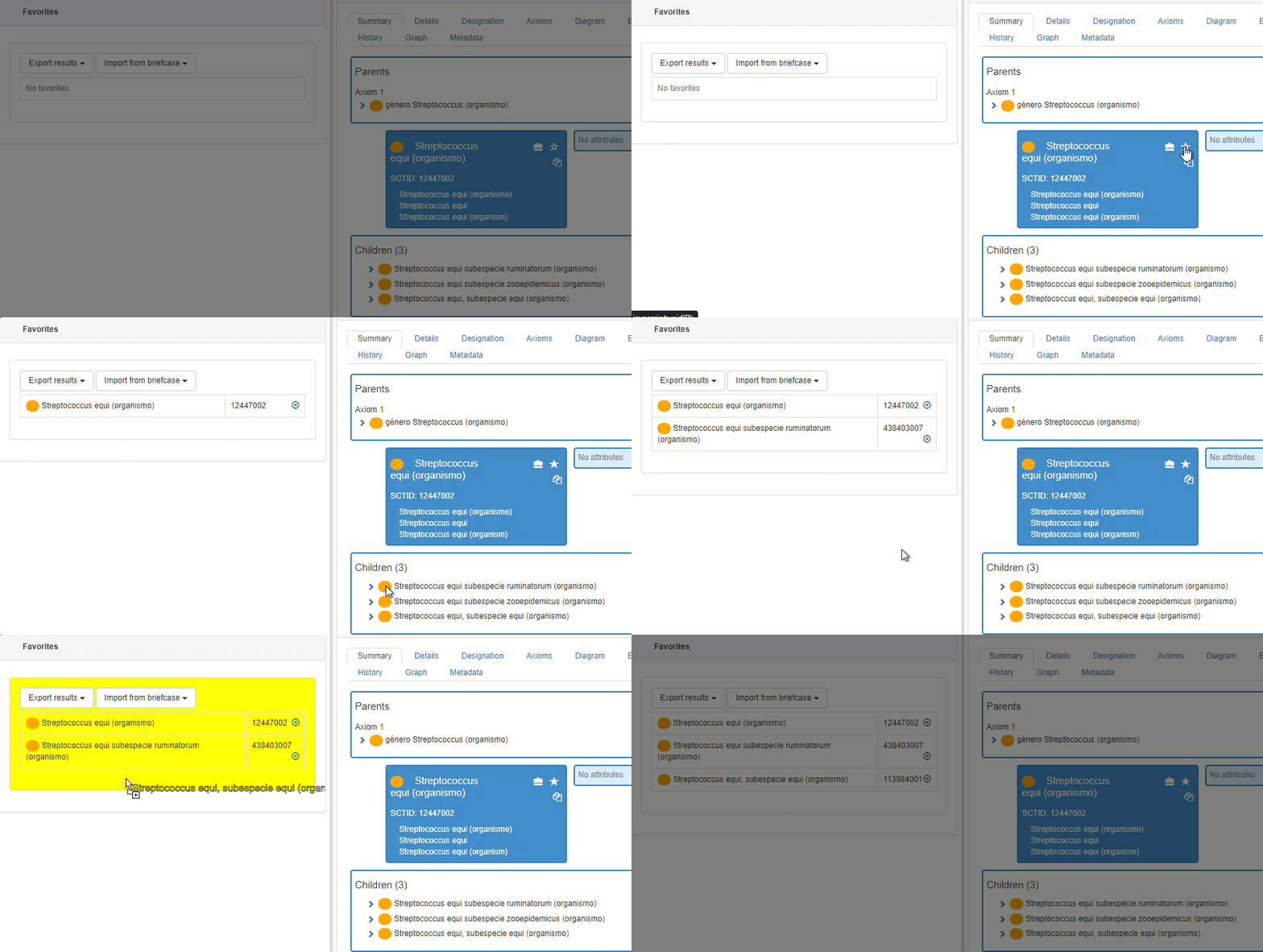
The Favorites list is useful, for example, when there is a need for comparing concepts. In the Concept Details panel, the Concept Summary tab shows a star. When it is selected, the concept is automatically added to the Favorites tab on the left.
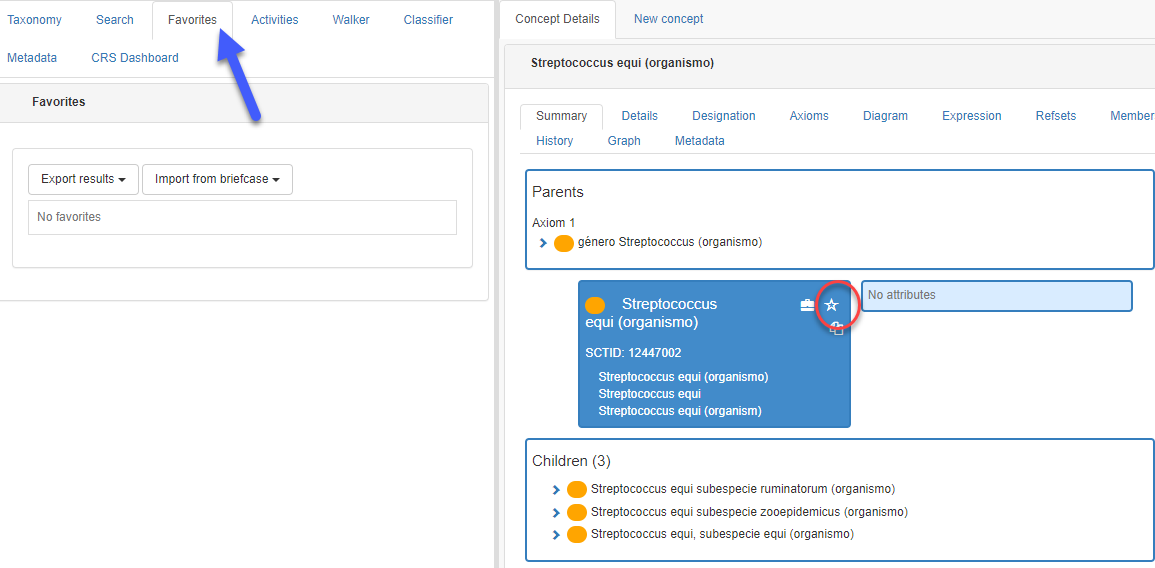
Clicking on the star will send the concept to the favourites list. Also, it is possible to add concepts by dragging and dropping from the orange button. The list of favorites is Specific for each browser. It can be exported to a XLS file.
Activities tab
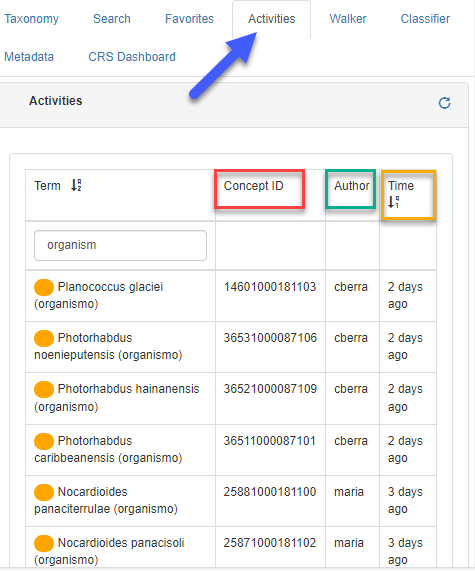
This tab shows a list of changes done by concept, concept ID, author and time when clicking ‘Search versions’. List members may be ordered alphabetically or chronologically. Also, as described in Search tab, specific concepts may be retrieved using the filter option. Complete or partial words may be used for searching in the Activities tab.
Concept walker tab
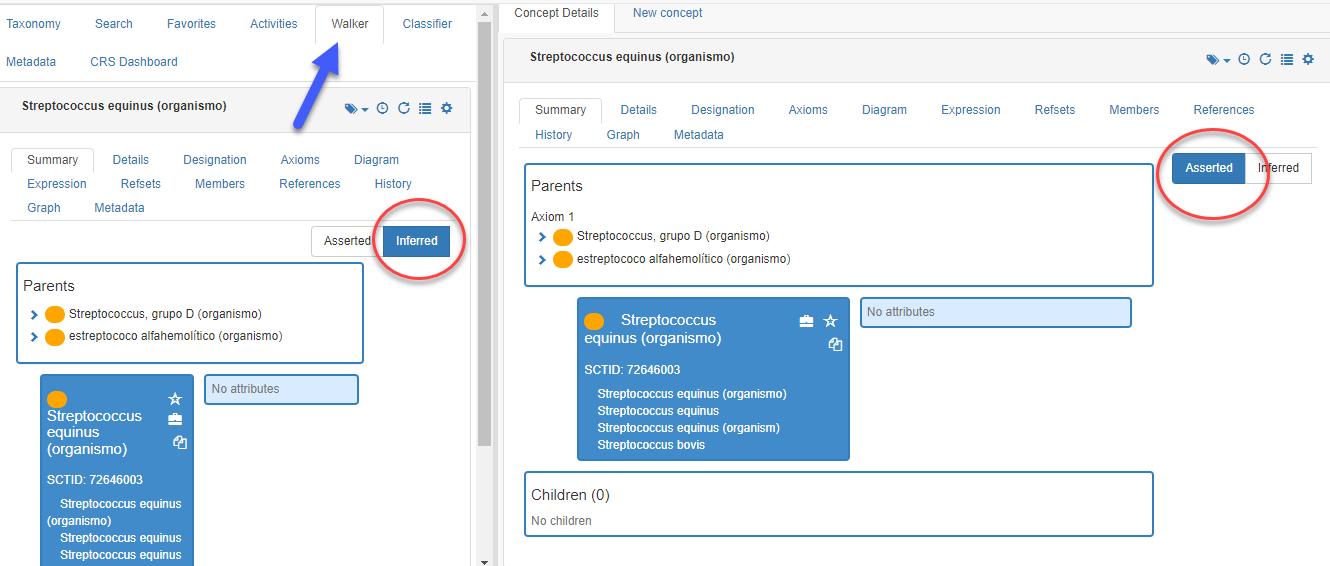
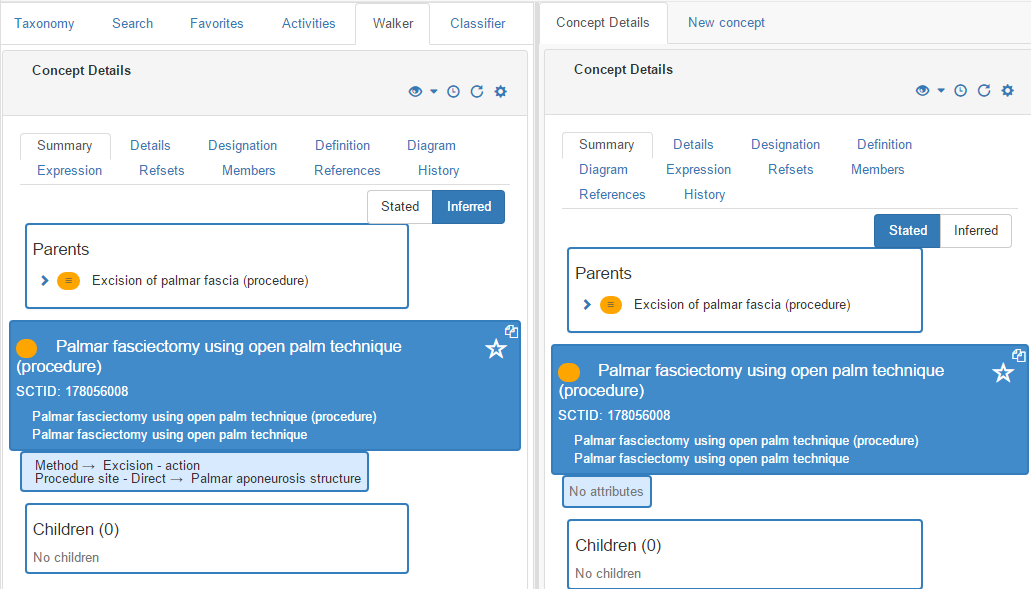
This tab is identical to the Summary tab in the right panel. It allows to compare concepts in both their stated and inferred views.
Classifier tab
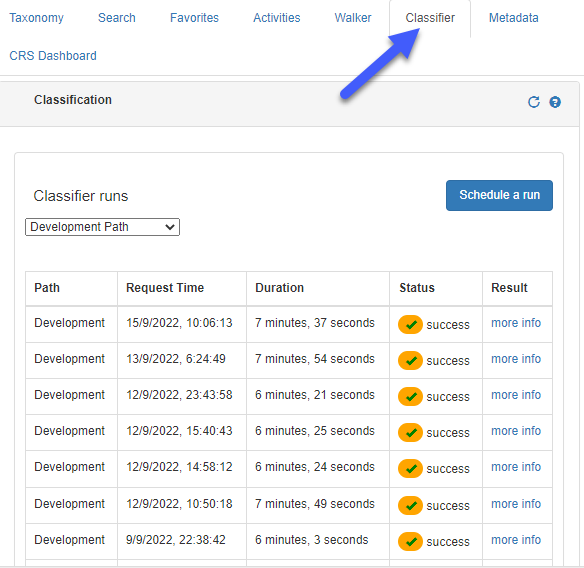
The classifier is a software tool that applies description logic rules to a set of data to make inferences about the relationships between sets of concepts (for more information, see Classifying the terminology in the 'How to' document).