Classifying the terminology
Imported from Confluence (source, last edited 2015-05-27). Screenshots are the old UI — flag for GIF/clip re-capture.
Terminology classification is defined as a process that generates a logically consistent subtype classification by applying description logics rules to the stated definitions of a set of concepts. The stated view of a concept definition consists of the relationships directly edited by terminology authors. It consists of the stated subtype relationships plus the defining relationships that exist prior to running a description logic classifier. When classification is applied, inferences are derived by applying a consistent set of logical rules to the definition taking account of the definitions of related concepts. The result is the inferred view.
The classifier is a software tool that applies description logics rules to a set of data to make inferences about the relationships between sets of concepts.
Step-by-step guide
-
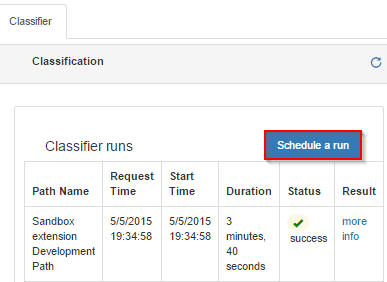
In the Concept Editor, click Classifier to see previous classifier runs, specifying path name, request time, start time, as well as run duration and status
-
Press Schedule a run to run a new classification.
-
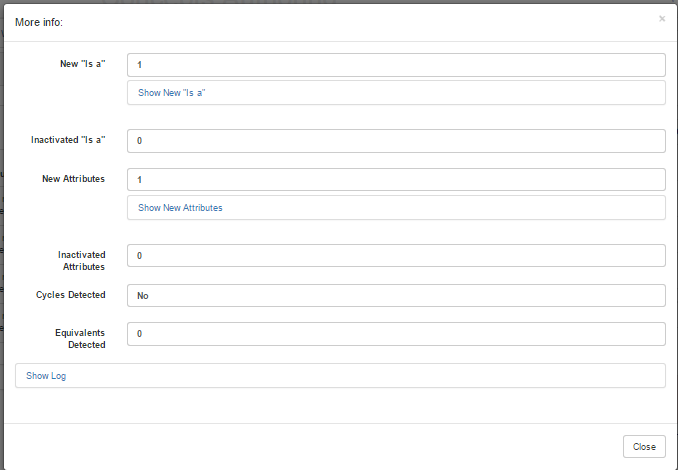
Click more info to see total numbers and lists of new and inactivated 'Is_a', new and inactivated attribute relationships, cycles and equivalent concepts.
-
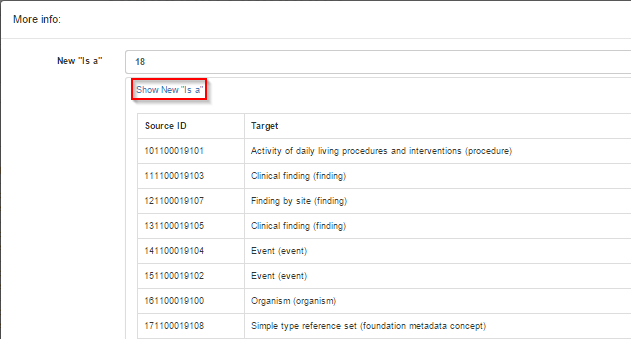
Click Show New 'IS_A' to see new supertype-subtype relationships (idem for 'Inactivated IS_A', 'New attributes', 'Inactivated attributes', 'Cycles detected', and ' Equivalents detected'.
-
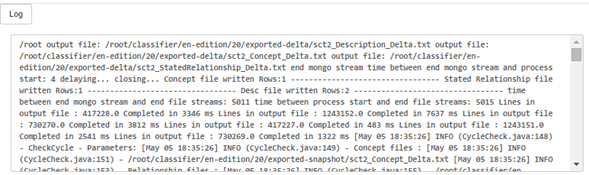
Click **Log **to display any messages generated during classification.